Capability 01
3D Immersive
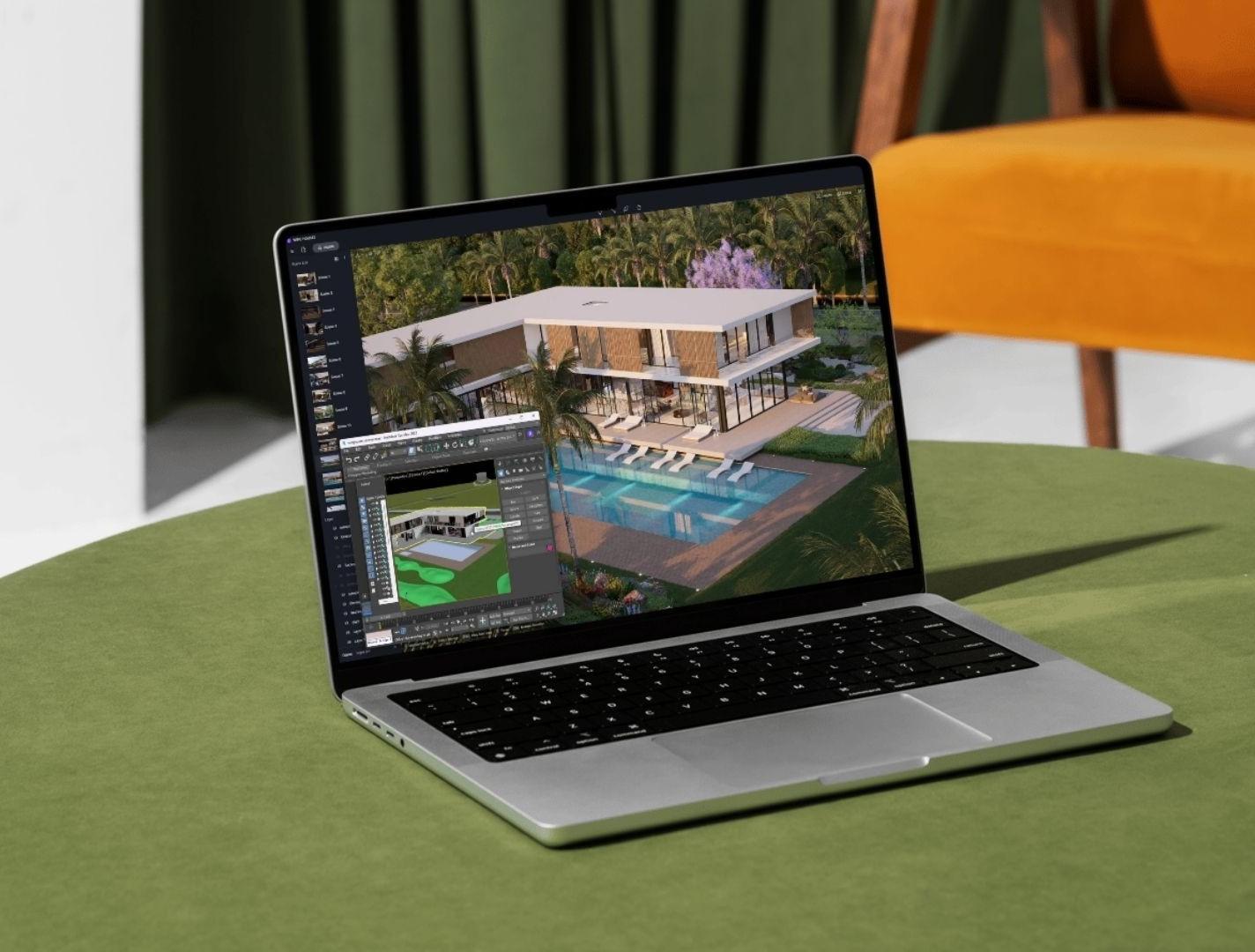
Showcase your complete real estate project in 3D. Give your sales team one experience for presenting high-rise apartments, villas, amenities, interior options, and project routes.
ExploreBring apartments and villa communities to life with 3D Immersive experiences and cinematic walkthroughs. Help buyers explore homes, personalize interiors, and navigate the development before they visit the site.
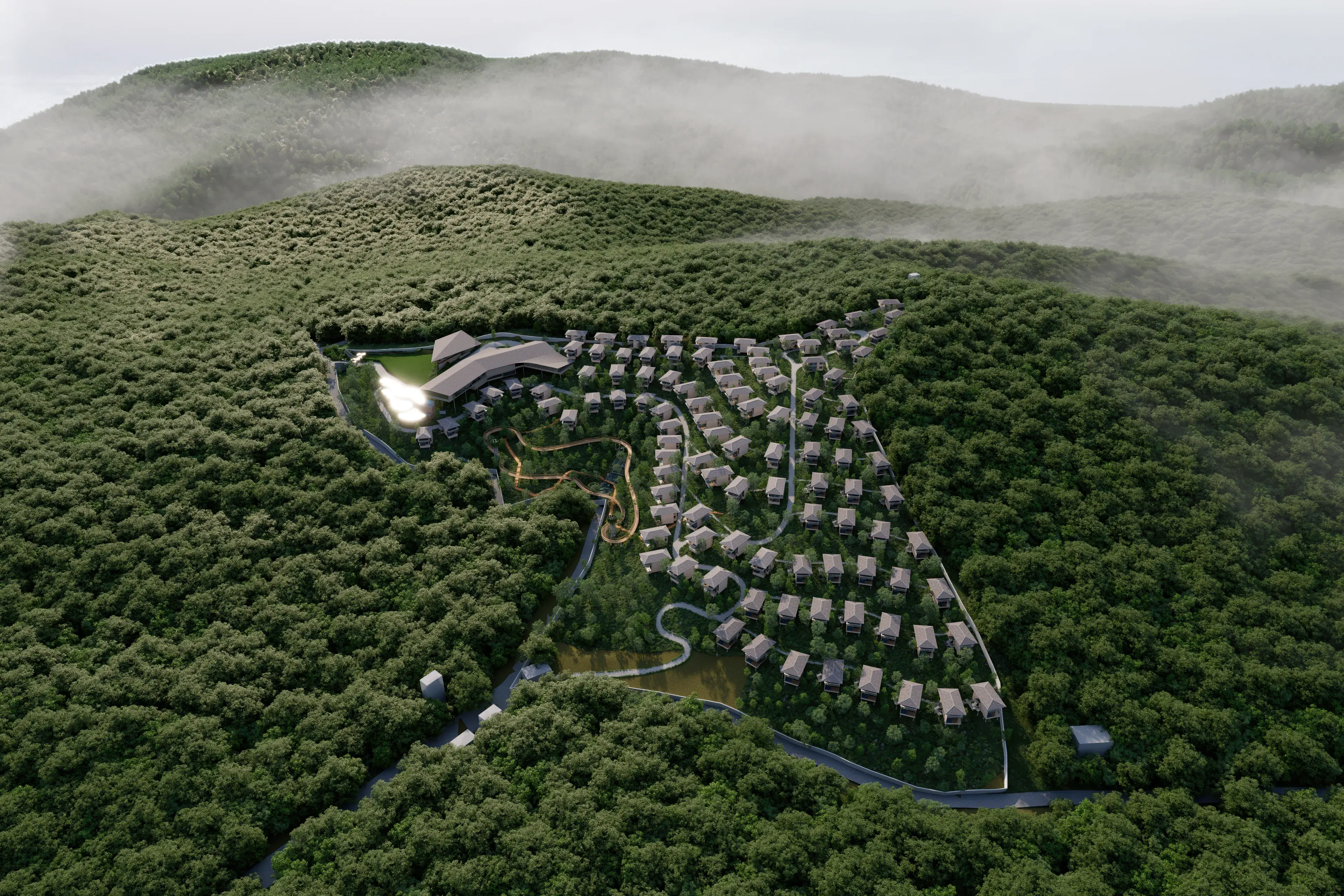
Give buyers a clear sense of your development, from the arrival experience and landscaped surroundings to the layout and character of each home. Our 3D visualization brings architectural plans to life for residential communities, villas, apartments, and commercial properties.
Cinematic walkthroughs showcase interiors, exteriors, and shared amenities. Interactive 3D immersive experiences let visitors explore the master plan, navigate buildings and floors, and view property information in one connected experience.
Created from your project drawings, design references, and approved specifications, these experiences support project launches, sales presentations, and online property discovery.
Review your plans, elevations, master plan, and design references. Agree on the spaces, buyer journey, and presentation formats to include.
Develop the 3D environment, materials, landscaping, and lighting. Review key views together and add navigation and property data for 3D immersive experiences.
Deliver the agreed walkthrough films, still renders, or interactive experience for your website and sales presentations, with guidance for your team.
A walkthrough takes buyers on a curated journey through your property. A 3D immersive experience lets them explore the development interactively and view project or unit information. We can scope either experience or combine both for your sales journey.
Share your plans and launch goals. We will help shape a 3D experience that presents your property clearly and supports your sales team.